


Author: Jeff O'Hara
The battle over where the thermostat should be set is as old as in-home heating and air conditioning. Dad wants to save money on utility bills, particularly gas and electricity, while Mom sits on the kitchen chair, her face glistening with a thin layer of sweat and a look of silent desperation for some relief from the heat.
The kids want it to be cooler in the house; their rooms are at the end of the house, farthest from the HVAC system, so they’re feeling a bit soggy. Oh, and your pets are walking around, panting with their tongues out. Including the fish.
So. With all of that out of the way, here’s the honest answer to “What Is the Ideal Temperature for Your Home?”
The ideal temperature for your home is whatever keeps you comfortable without sending your energy bill into abject panic. Certainly, there has to be a way to keep your family comfortable without incurring generational debt. Someone must have an answer to this somewhere, right?
The Department of Energy and ENERGY STAR® recommend setting “anchor temperatures” that strike a balance between comfort and efficiency. The key isn’t perfection — it’s strategy.
Let’s walk through it.
Your Thermostat Settings Matter More Than You Think
Your thermostat controls one of the most energy-intensive systems in your home. In fact, heating and cooling generally account for one-third to one-half of your total household energy use. That means even small adjustments aren’t trivial — they directly affect your comfort, your equipment, and your finances.
A difference of just a few degrees can:
- Lower Monthly Utility Costs by reducing how long your system runs each day, cutting energy consumption, and helping keep seasonal spikes under control.
- Extend HVAC System Lifespan because fewer extreme cycles mean less wear and tear on motors, compressors, and internal components.
- Improve Humidity Control by allowing steadier, more consistent runtime that removes moisture more effectively — especially important in Houston’s climate.
- Reduce Compressor Strain by preventing repeated full-throttle startups that put mechanical stress on your system.
- Lower Carbon Footprint since every kilowatt-hour you don’t use reduces strain on the grid and lowers overall energy demand.
Thermostat settings aren’t just about how warm or cool your house feels. They directly influence how efficiently — and how intelligently — your HVAC system operates.
The Recommended Baseline Temperatures
Experts generally agree on two anchor numbers:
Summer (Cooling): 78°F when you’re home and awake.
Winter (Heating): 68°F when you’re home and awake.
These numbers aren’t random. They’re based on energy modeling that balances comfort with efficiency.
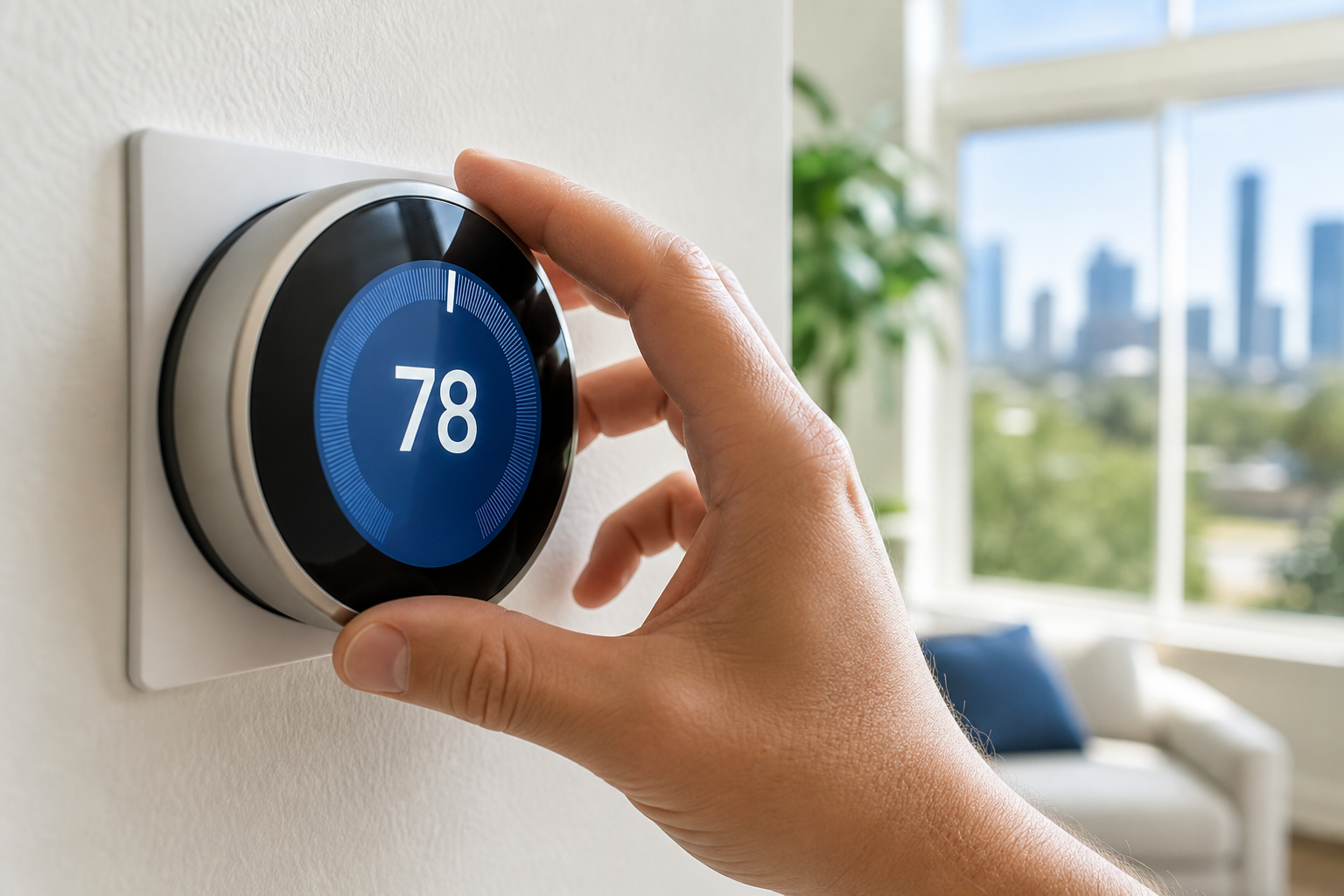
In Houston, where air conditioners are used far longer than heating systems, the 78°F summer setting is especially important. Dropping your thermostat to 72° on a 100-degree day doesn’t cool the house faster — it simply forces your system to run longer.
At night, you can adjust slightly:
Summer (Sleeping): 72–75°F (depending on humidity and bedding).
Winter (Sleeping): 60–67°F often improves sleep quality.
Try the “8-Degree Rule” for Saving Money
Here’s where it gets interesting.
You can save roughly 10% annually on heating and cooling costs by adjusting your thermostat by 7–10 degrees for about eight hours each day.
In practice, that means:
- Raise the thermostat to around 85°F (8° above the 78° baseline setting) when you’re away in summer.
- Lower it to 58–60°F (8° below the 68° baseline setting) when you’re away in winter.
- Never let the indoor temperature drop below 55°F during the winter unless you want to deal with frozen and burst pipes.
Your house doesn’t need to be all cozy and comfortable when no one is in it.
Why You Shouldn’t Turn the System Off Completely
This section seeks to debunk one of the most common heating and/or air conditioning myths: that shutting the HVAC system down completely while you’re away can save you a bunch of money. Sadly, that’s not the case in a subtropical city like Houston.
Allowing the home to overheat in your absence during the summer will create excessive humidity issues. Excess moisture that has been in the air for however long you were gone has been absorbed by carpets, furniture, walls, ceilings, insulation, and anything that is liquid-permeable, so it’s going to be a little… moist.
Now, a different problem arises: your family returns home and instinctively drops the set temperature dramatically, which means the system will need to run at full capacity for an extended period to reach the desired temperature and remove the heat and humidity, often negating any savings you banked.
In winter, turning your furnace off entirely for extended periods can risk frozen pipes during cold snaps. I shouldn’t need to say much more than that.
How to Find Your Personal “Sweet Spot”
If 78° in summer feels like a sauna to you, don’t panic.
Use the incremental method:
- Start at your current setting.
- Adjust by one degree per day toward the recommended target.
- When it feels uncomfortable, move back one degree.
That’s your personal efficiency boundary.
Most homeowners find they can tolerate more than they think once expectations are reset.
Smart Thermostats: Let Technology Handle the Guesswork
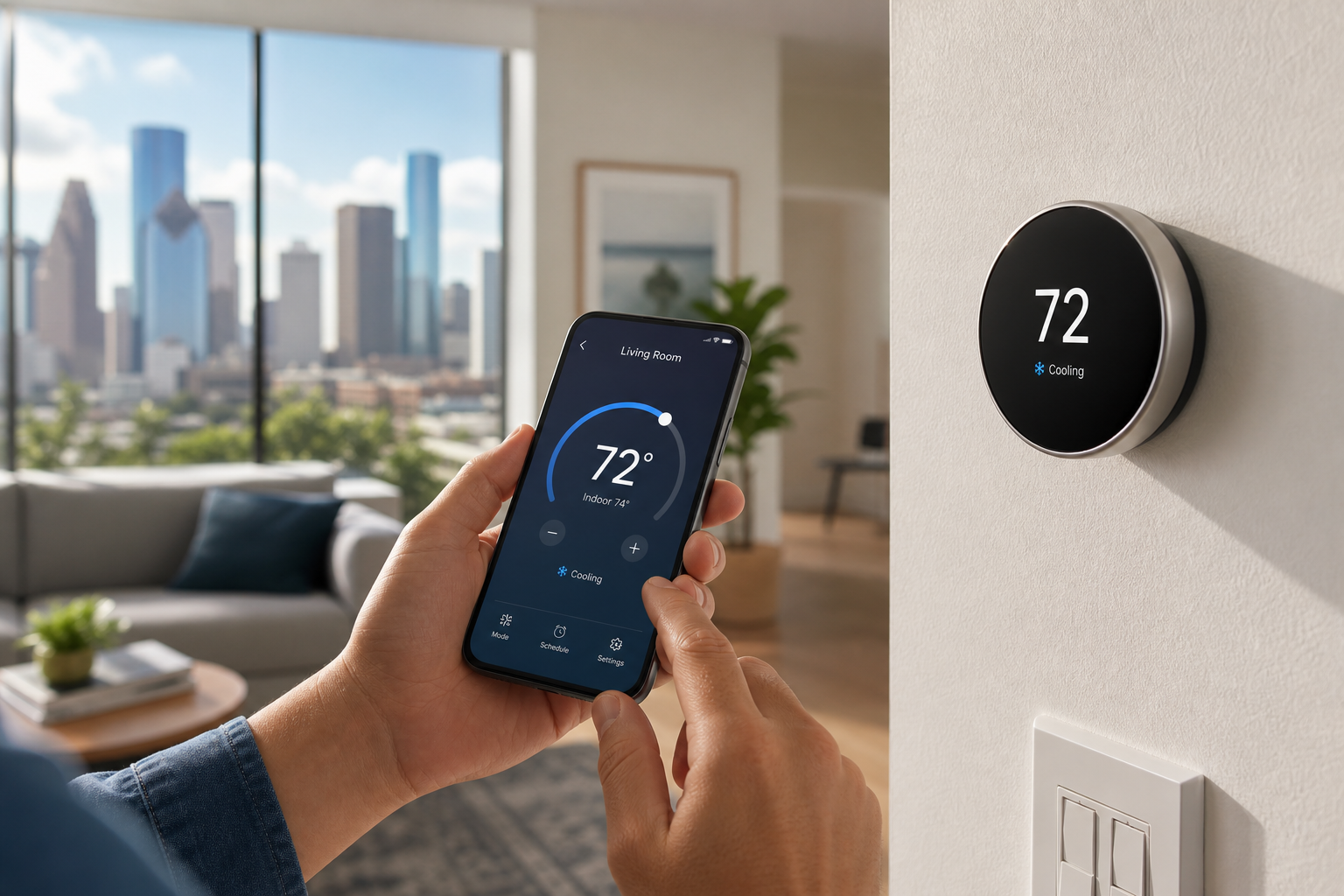
This is where thermostat strategy stops being something you have to think about. Modern smart thermostats aren’t your grandfather’s analog temperature dials — they’ve become behavioral tools. Instead of relying on you to remember to adjust the settings before work, before bed, or before a weekend trip, they respond automatically to your routines and habits.
Using geofencing, your thermostat can detect when you leave home and shift into an energy-saving mode, then begin conditioning the house before you return. Learning algorithms observe your manual adjustments over time and build a schedule around your specific preferences. Adaptive recovery features calculate how long it takes your HVAC system to reach a target temperature and start it at the right time — not too early, not too late.
The result isn’t just convenience; it’s precision. By optimizing when your system runs and when it doesn’t — not just basing it on how cold or warm it gets — smart thermostats reduce unnecessary runtime and eliminate inefficient wide temperature swings.
This Sounds Great. What Does It All Mean for My Energy Bills?
Many homeowners see energy savings of 10–20% annually simply because the system is no longer operating blindly. Occupancy sensors can even prioritize comfort in rooms that are actively being used while easing back in empty spaces.
Smart thermostats don’t just change the temperature. They manage timing, airflow patterns, and system behavior in a way manual models simply can’t.
Houston-Specific Reality
Humidity plays a bigger role in Houston than in drier climates, but setting your thermostat excessively low during the summer reduces runtime cycling efficiency, thereby impacting moisture removal. Consistent, moderate cooling often results in better comfort than aggressive swings.
In winter, because our heating season is shorter, efficiency adjustments generally have a smaller financial impact on energy bills, but the longevity of your HVAC system still matters, and responsibly setting your thermostat will help you get as many years out of your system as possible.
FAQ: Ideal Thermostat Settings in Houston
What is the ideal thermostat setting for summer in Houston?
The Department of Energy and ENERGY STAR recommend 78°F when you’re home and awake during cooling season. At night, 72–75°F often works well depending on humidity and bedding.
What is the best thermostat setting for winter?
68°F when you’re home and awake is the recommended winter baseline. While sleeping, 60–67°F often improves sleep quality, but never let indoor temperatures drop below 55°F to avoid frozen pipes.
What is the 8-degree rule?
You can save roughly 10% annually on heating and cooling by adjusting your thermostat 7–10 degrees for about eight hours a day — for example, raising it to about 85°F in summer or lowering it to 58–60°F in winter while you’re away.
Should I turn my HVAC system off completely when I leave?
No. In Houston’s humid climate, shutting the system off lets moisture build up in carpets, furniture, and walls, and forces the system to run at full capacity when you return — often erasing any savings. In winter, it can risk frozen pipes.
Do smart thermostats really save money?
Many homeowners see energy savings of 10–20% annually because smart thermostats optimize when the system runs using geofencing, learning algorithms, and adaptive recovery rather than maintaining a constant temperature.
The Bottom Line
The ideal temperature for your home isn’t a single magic number.
It’s a balance between:
- Comfort
- Energy efficiency
- System wear
- Occupancy patterns
- Climate
For most Houston homes, that means 78° in summer, 68° in winter, and strategic adjustments when you’re asleep or away.
If you’re unsure whether your thermostat is programmed correctly — or if you’re still using a basic manual model — Nick’s Air Conditioning can help you upgrade, optimize, and make sure your HVAC system is operating as efficiently as possible.
Because the right temperature isn’t just about how it feels.
It’s about how smartly your home runs.
Call Nick’s Today. We’re on the Way.
Whether you need a smart thermostat upgrade or want your HVAC system optimized for Houston’s climate, our technicians can help you dial in comfort and efficiency.
Call Now: (713) 913-3577 Schedule Online
Smart Thermostats • HVAC Optimization • Houston Area